Design systems, generated from code

Your frontend is your design system.Now everyone can see it.

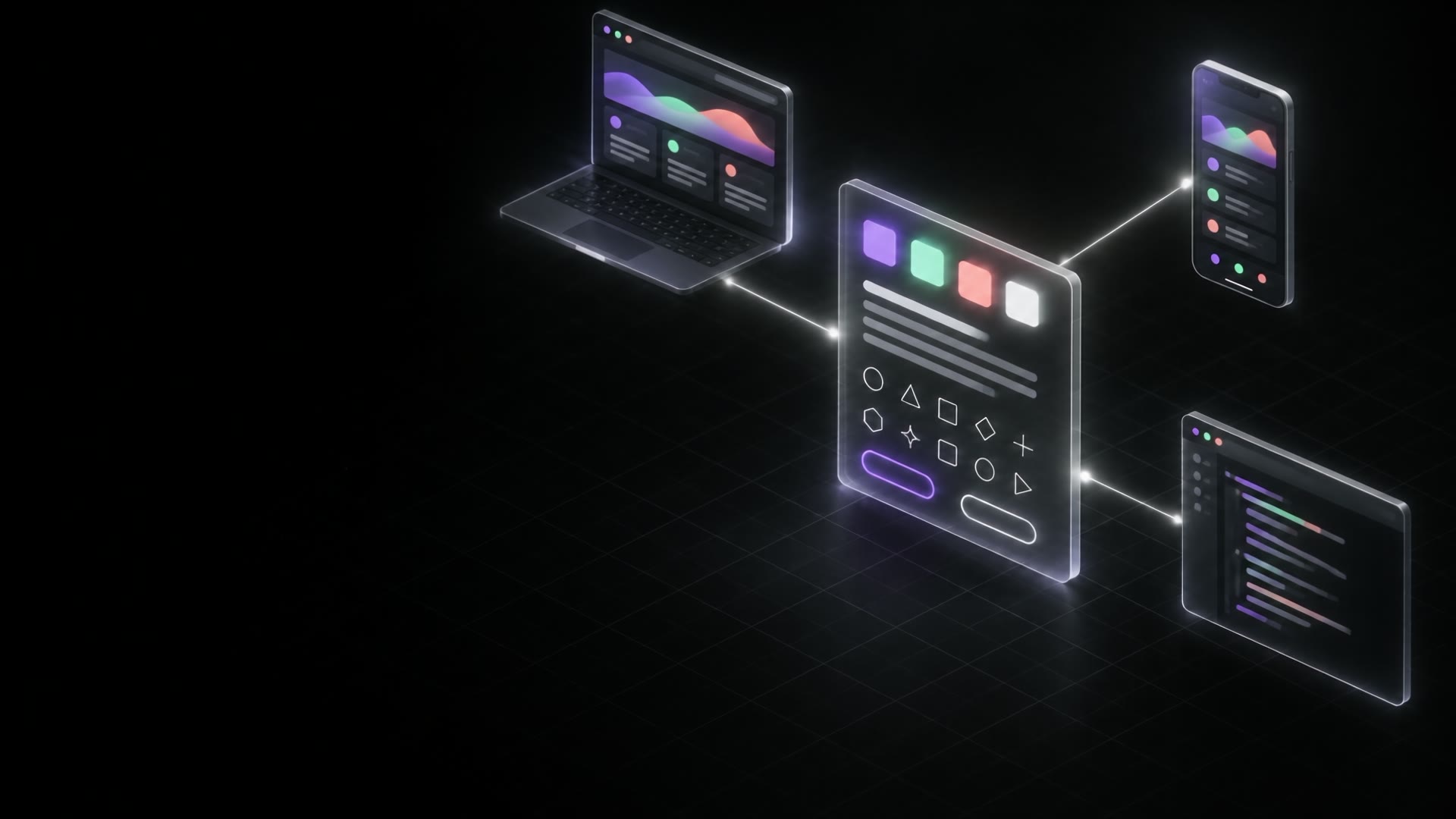
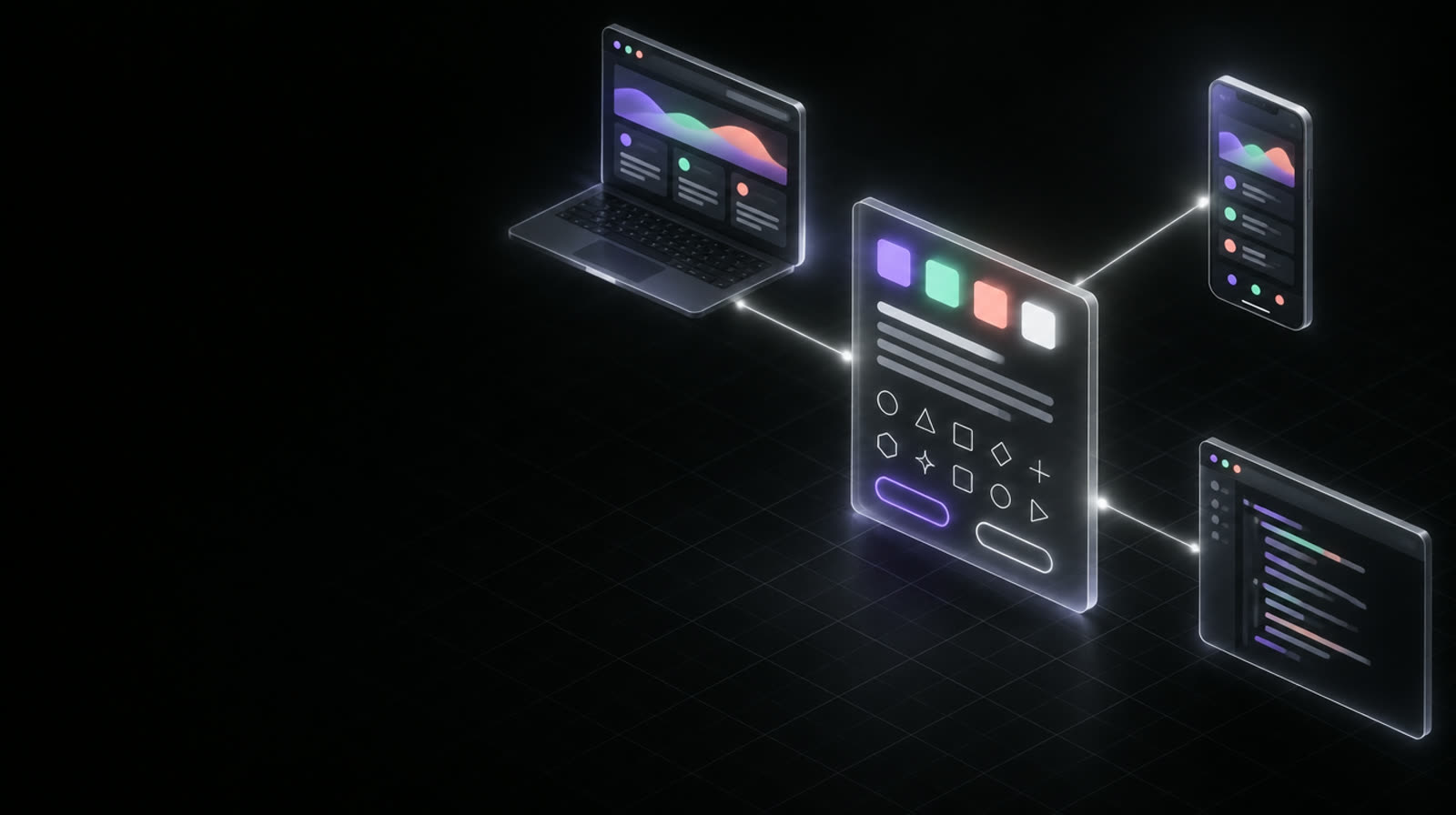
Brandsys reads the colors, type, icons, components and motion in your code, publishes them as one living page, and keeps it current with every push. Your team and your AI agents build from the same source, so prototypes come out on brand and ready to ship.

Open in Claude Open in ChatGPT
Paste intoClaude CodeCursorChatGPT

Design systems used to be a project. With Brandsys, they're a side effect of shipping.

How it works

From code to everyone.One line, five steps.

Brandsys doesn't ask you to maintain anything new. It follows the code you already ship and turns it into something your whole team, and every agent, can use.

01 · Read

It starts in your code.

Brandsys finds your tokens, type scale, spacing, icons, components and animations the way they actually ship. No design file to keep in sync, nothing to export.

tokens · type · icons · components · motion
02 · Publish

One page, always current.

Everything becomes one searchable page: light and dark, desktop and phone, with copy-ready code for every color, icon and component.

design.yourco.com
03 · Update

Every push leaves a trail.

Change a color and push. Minutes later the page is current, with a dated changelog showing exactly what changed, before and after.

git push → changelog
04 · Agents

Agents build on brand.

Claude, Cursor and ChatGPT read your design.md, so first drafts use your real tokens and components instead of guessing at hex codes.

design.md → every agent
05 · Ship

Prototypes become production.

Because agents reuse your tokens and components, what you prototype on Friday is code you can merge on Monday. On brand, by default.

var(--primary) · Button · Card
See it update

Change the code.The system follows.

A made-up company, Acme. Every few seconds a push lands, and their design system updates itself, changelog included.

design.acme.com
AcmeOverviewColorsTypographyLayoutIconsComponentsMotionChangelog

Colors

Every color in light and dark. Click to copy.

primary#7c5cff
bg#0f0f12
fg#f4f4f5
danger#ef4444
Create invoiceCancelPaid
Watching main…
Changelog
Yesterday, 16:20
Added icon · Invoice
Mon, 09:12
radius-card 12px → 14px
Where you use it

One source of truth.Everywhere your team builds.

The same system shows up wherever work happens: in code, in chat, in reviews, and soon in your browser and your coding agents.

<!-- any project -->
<link href="design.acme.com/tokens.css">

.button { background: var(--primary); }

In your code

Link one stylesheet and every color, radius, shadow and font is there, in light and dark, always the latest.
Build a pricing card for Acme
Using Acme's system: primary pill button, 14 px corners, tokens from design.md…

In Claude and ChatGPT

Copy one prompt or open a chat with the whole system loaded, so what AI builds looks like you.

In design reviews

Step back through every version like Time Machine, and see exactly what changed and when.

Continue with GoogleOnly @acme.com

With your whole team

Keep it private with a password, or let in anyone with a Google account on your company's domain.

On any websiteSoon

A browser extension that applies your system to any page, so you can see your brand on it before building anything.

agent › what's our danger color?
brandsys › --danger: #ef4444
agent › the primary button?
brandsys › .btn-p · 32px · pill

In coding agentsSoon

A built-in connection (MCP) so Claude Code and Cursor can look up tokens and components while they work.

What's inside

Everything a design system needs.Measured from your real code.

Colors, light and dark

Every token with both values, grouped by meaning. Click to copy the variable.

Type and spacing

Font weights, the sizes you actually use, your spacing scale and breakpoints.

Icons and logo

Every SVG, searchable, copyable, and recolored to follow the text.

Live components

Your real components with your real CSS, in light, dark, desktop and phone.

Motion

Every animation at its real speed and curve, plus the easings you use most.

Changelog and Time Machine

A dated, visual record of every change, from the push that made it.

Questions

Straight answers.No surprises.

How do I install it?

Copy the install prompt and paste it into Claude Code, Cursor or ChatGPT. Your agent follows a written setup guide, asks you three questions, and adds everything to your repo in clearly named files. Nothing in your app changes.

What does it read from my code?

Your CSS custom properties (the tokens), your stylesheets for type, spacing, radii and animations, your icon and font folders, and the component examples you choose to show. Plain CSS today; Tailwind config support is planned.

Does my code leave my repo?

Only the brand: tokens, styles, icons, fonts and the examples you pick. Your app code and your commit messages stay private, except lines you start with "Brand:", which become notes in the changelog.

Who can see the page?

You choose: anyone with the link, a password, or people signing in with Google on the domains you list.

What does it cost?

Installing it with your agent is free: it runs in your repo and on your own hosting. A hosted version that runs the page, the updates and the sign-in for you is coming.

Get started

Start with one prompt.Your agent does the rest.

Open in Claude

Rather not host it yourself? A hosted version with Google sign-in is opening soon.